Keep the drops worth stopping for
Pick the slots, uniques, talismans, affixes, and Greater Affix rolls you would actually pause a run to check.
A loot filter builder for the drops you actually care about.
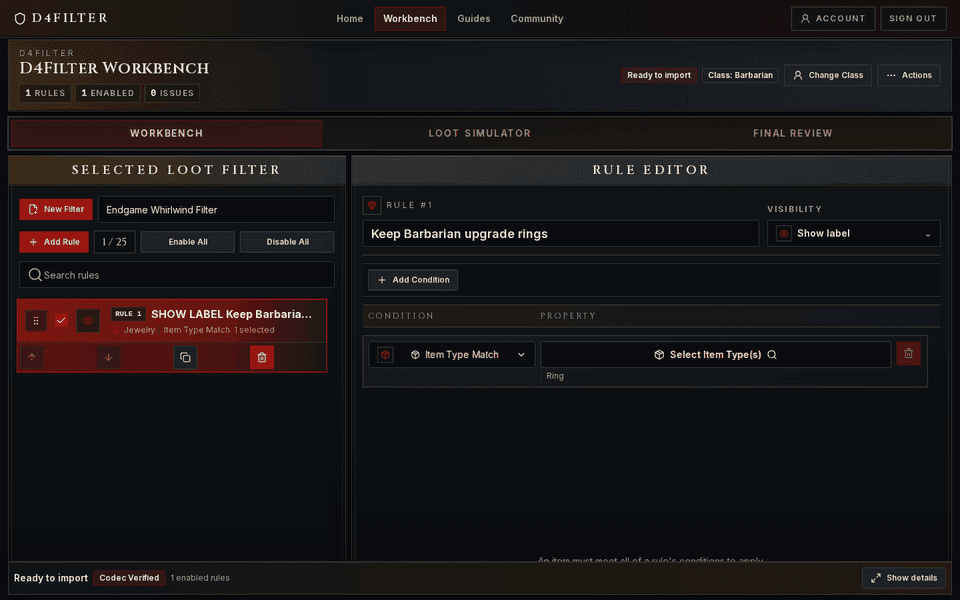
I wanted a faster way to make a Diablo 4 filter without hand-editing a wall of rule text. Pick the gear your build is chasing, keep the maybe-upgrades visible, hide the obvious junk, and copy the import code when it looks right.
Created filters include account saves and shared filters, whether private or public. Uses count successful copies or workbench imports once per filter and visitor each day.
This is for the part of the season where you know what you are hunting. A better amulet. A specific unique. A talisman set. A Greater Affix roll that is worth slowing down for. The filter should help you farm, not make you read every label.
Each rule stays readable, ordered, and easy to change when your build moves from starter gear to real endgame farming.
Pick the slots, uniques, talismans, affixes, and Greater Affix rolls you would actually pause a run to check.
Recolor the good stuff, soften maybe-check items, and push trash lower so boss runs and Helltides are less of a blur.
Browse public filters, load one into the builder, then change it for your class, season, farm, or weird gear target.
Build the rules, import guide gear if it saves time, preview the kind of drops you expect, then copy the code.
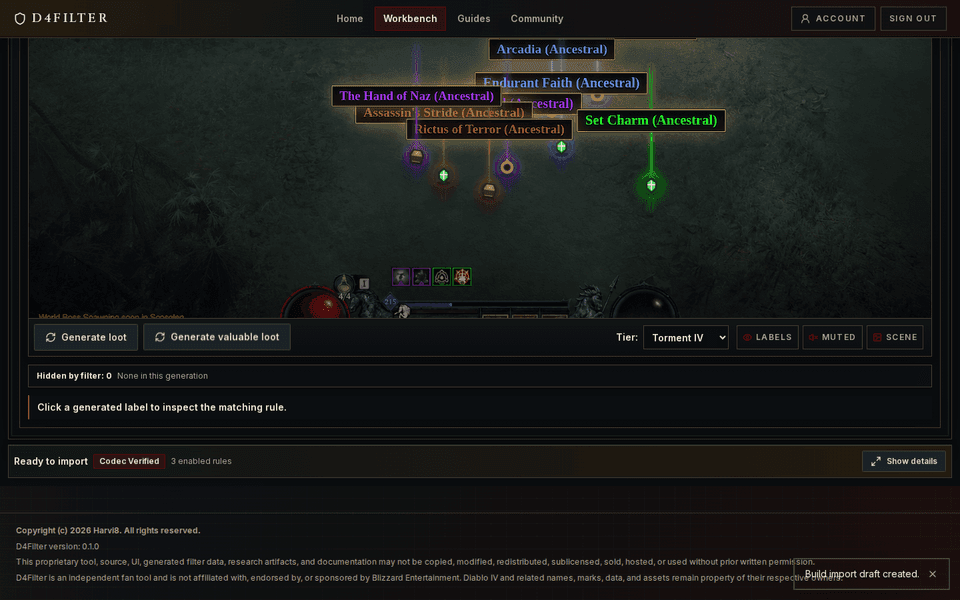
Most filters start because the build guide changed, the stash is full, or the farm is dropping too much junk.
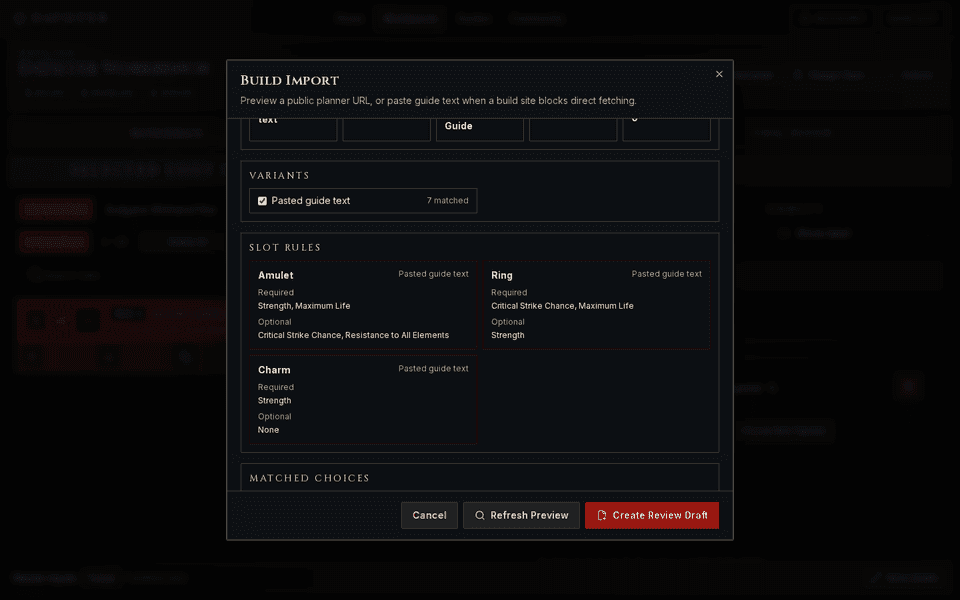
Paste the guide, let it pull out gear and stat priorities, then review the rules before you trust them.
Highlight gear with the affixes your build actually needs instead of stopping for every familiar-looking stat.
Recolor priority drops and push low-value clutter down after the protection rules have already done their job.
Browse by season, load a setup into the workbench, keep what makes sense, and rip out anything that does not match your gear.